Roomie, finding a roommate is not a big deal...
-
Role
Product Designer
-
Timeline
2020-2021


Roomie, finding a roommate is not a big deal...
Role
Timeline
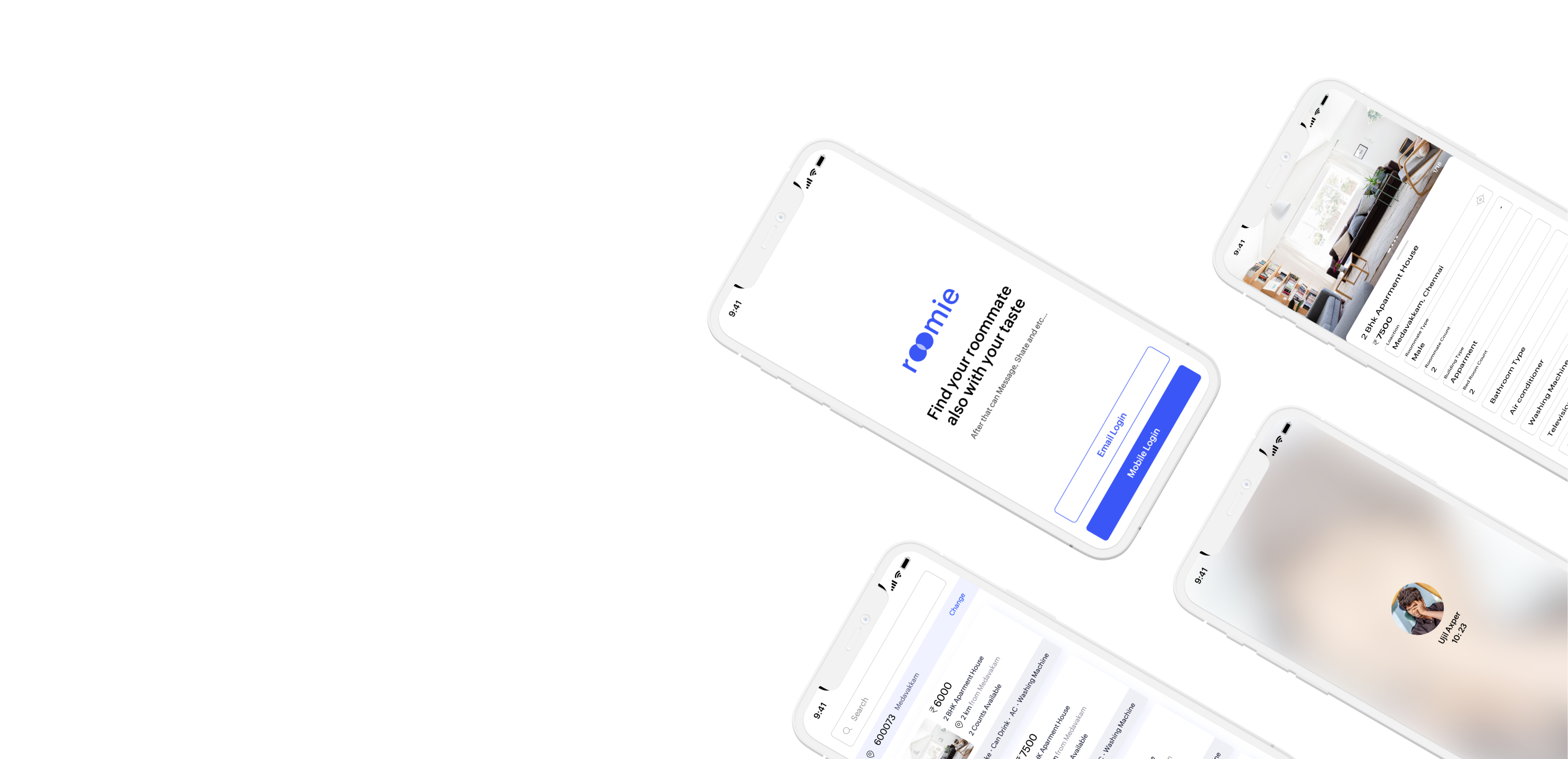
A mobile product experience that appeals to millennials that makes it safe to find the ideal roommate in Chennai. Design the experience from the perspective of a person who is looking for a roommate as well as the one who is looking for an apartment. Once the ideal roommate is found, what else can this product do to make the roommate experience better.
Create easy-to-understand data visuals for who are using the app, Users need to check their post/ads, Bridge the gap between users sharing their room and room need one.
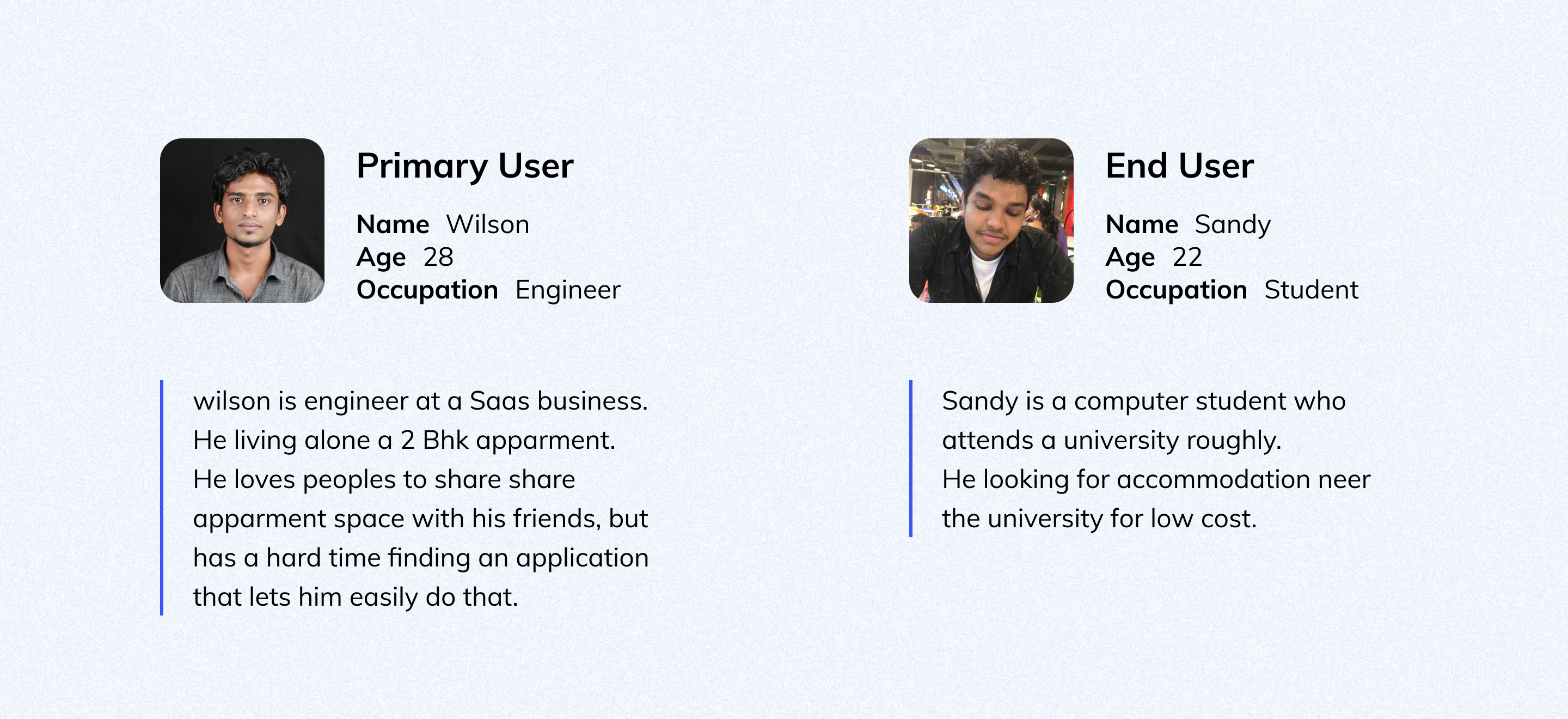
I asked myself a few initial questions. Who is our primary user? What kind of goals do they have? Why would someone want to use this application? Just how large of a scope do I want this project to be? After interviewing four participants to establish archetypes later on, it became evident that the goals they wanted to accomplish all fell within the same categories.
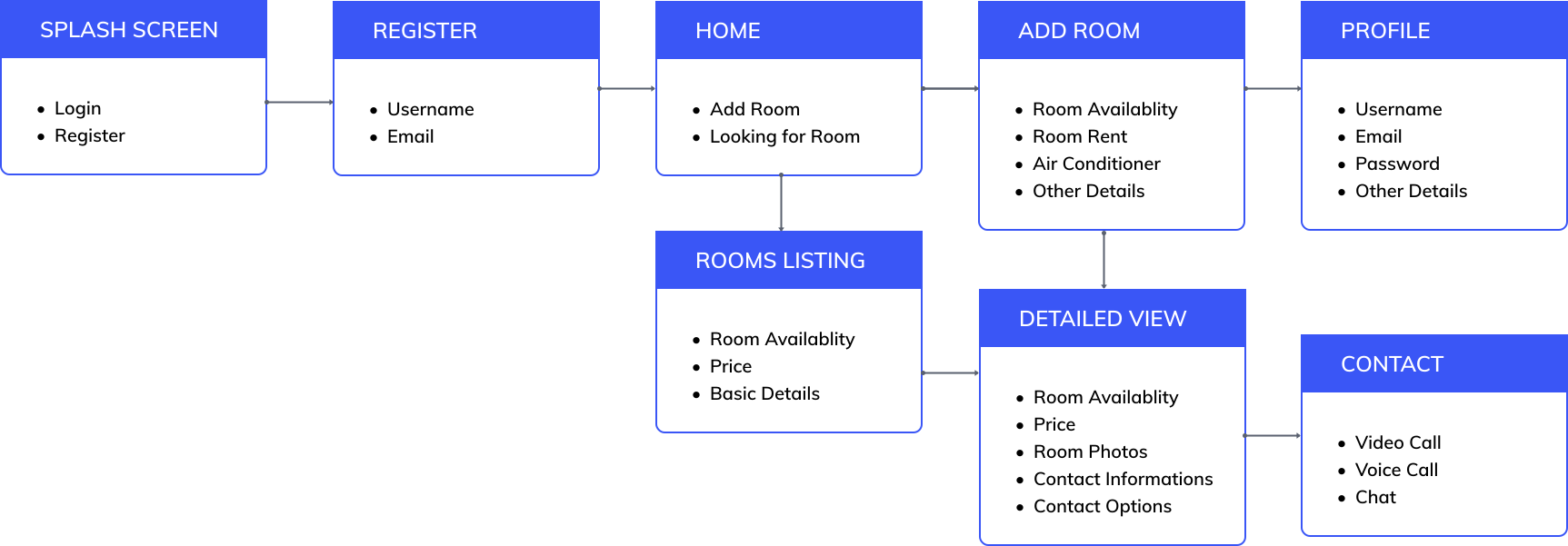
I arrived at a solution by creating a user flow for a mobile app. It's basicaly how the user is going to solve their problems via the app.
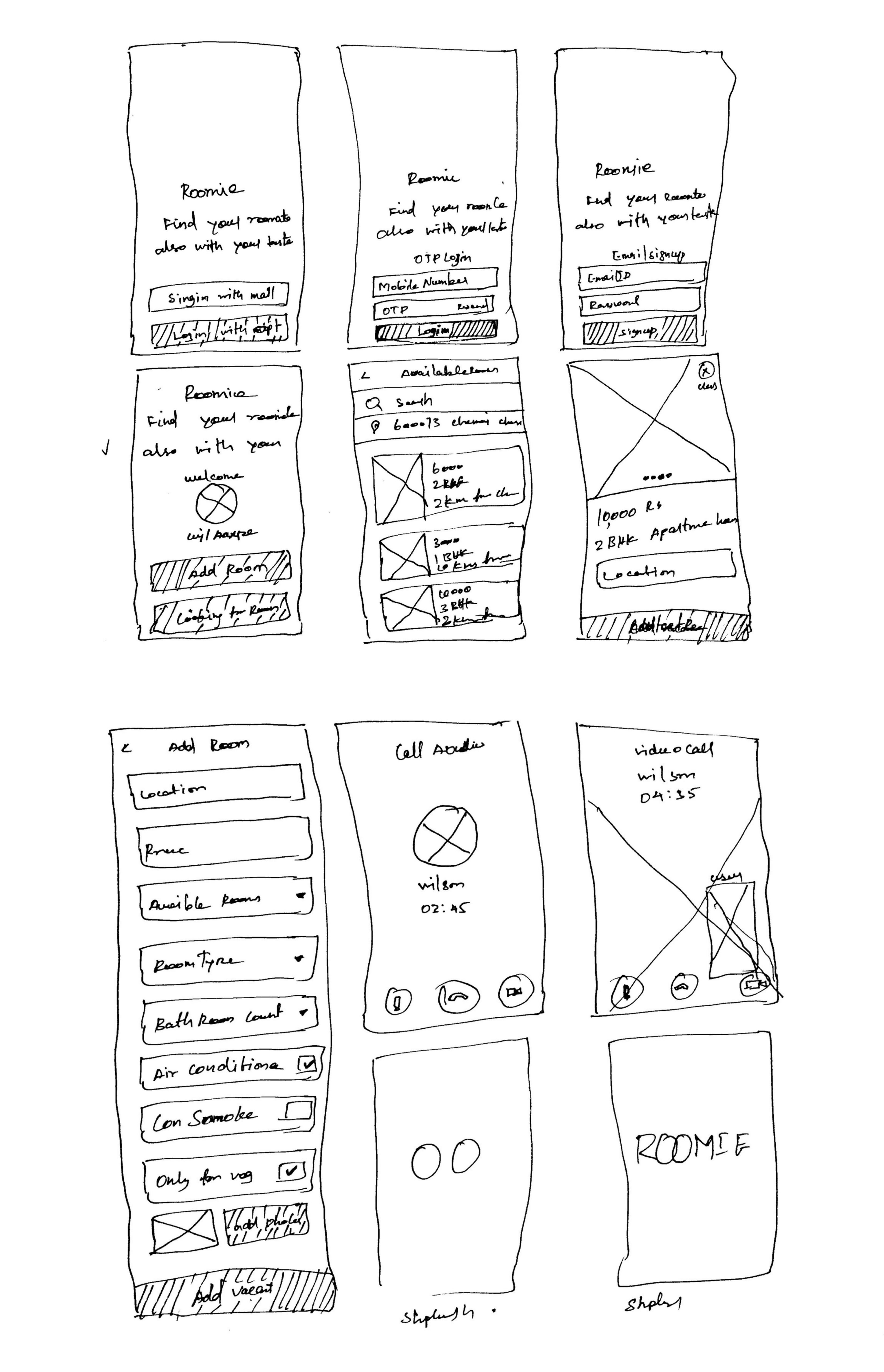
I draw the hand sketches first. Because creating random thoughts is easy to do with paper and pencil as well as machines. Also, no need to think about the colors, illustrations, and animations.
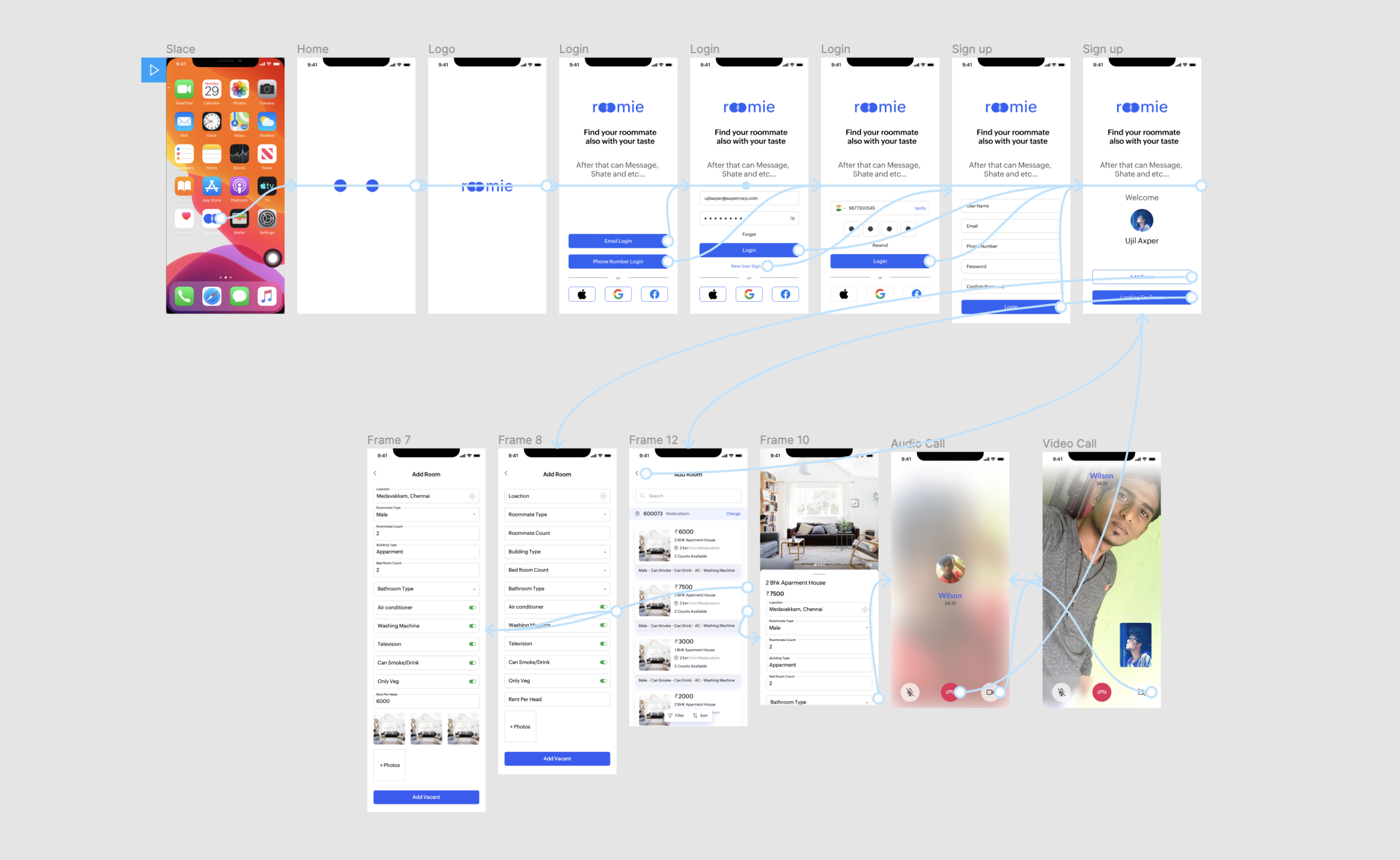
Here the paper mock gets into the real-time screen with enhanced empathy and solves the user's problems.
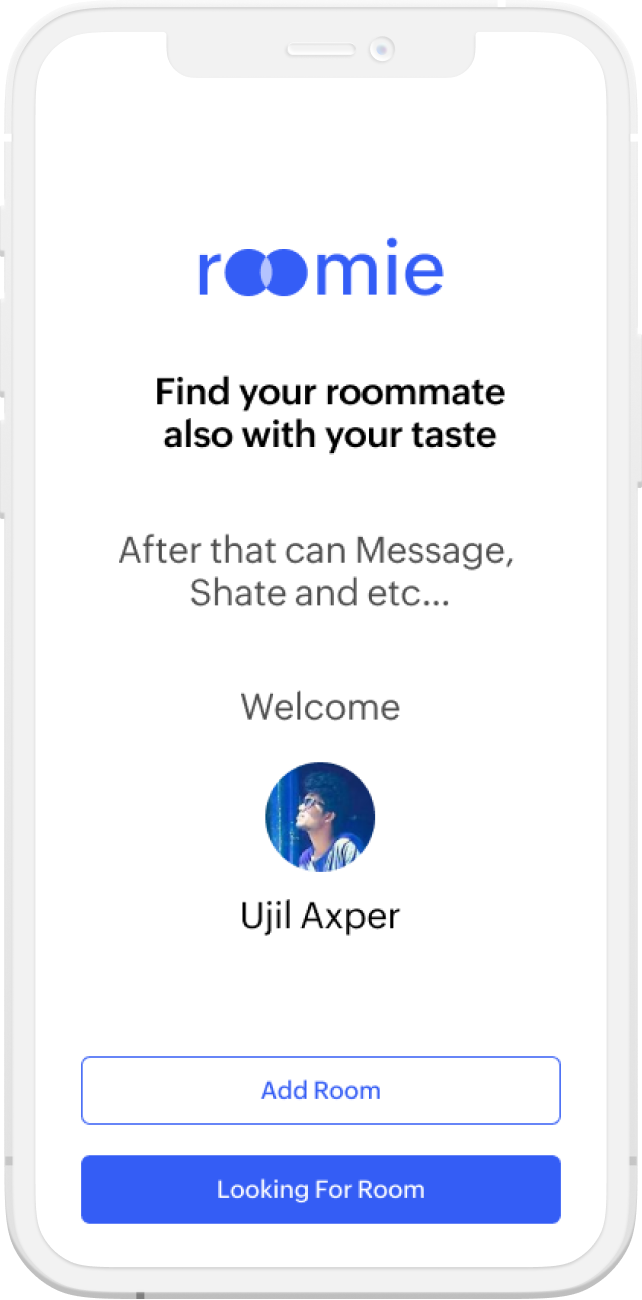
After loged in the app is screen will come when ever open the app again. Here is easy to find find a new roomie or add room availablity.
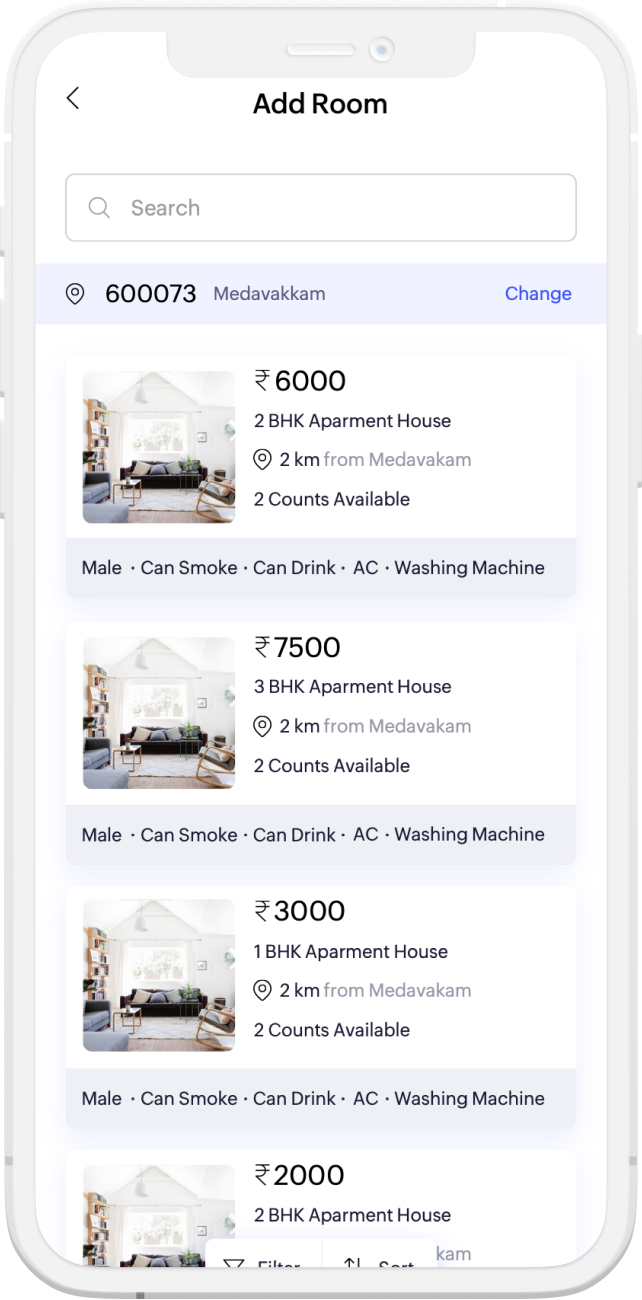
Once the user cliked on a button called looking for room. The user move to the available list page. There can the user filter by location and search. By default every single list has the rent share, room type, who is looking, location and etc...
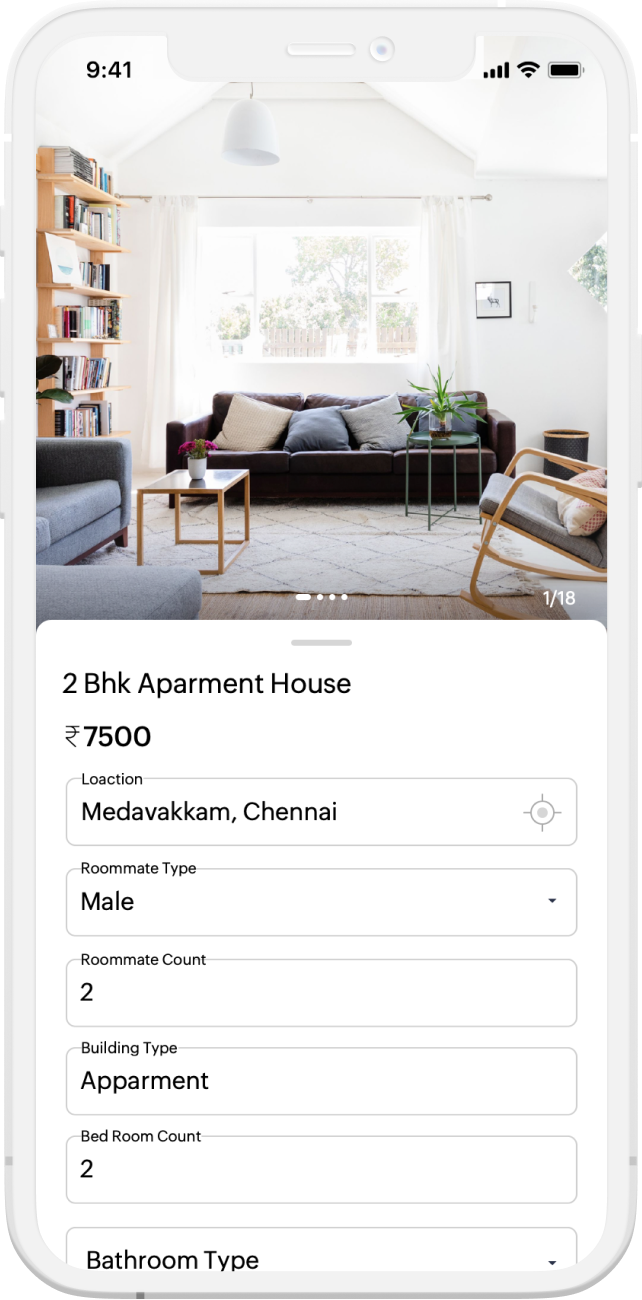
The deataled view will come after clicked the list. Here all the details were list out clearly. Room photos, contact details, location, rent share, etc...
This the very incridable feature in this app. Because, it going to unlock a cycle you preffered. Once scaned a QR on a cycle the will unlock once it is assigned to the user.
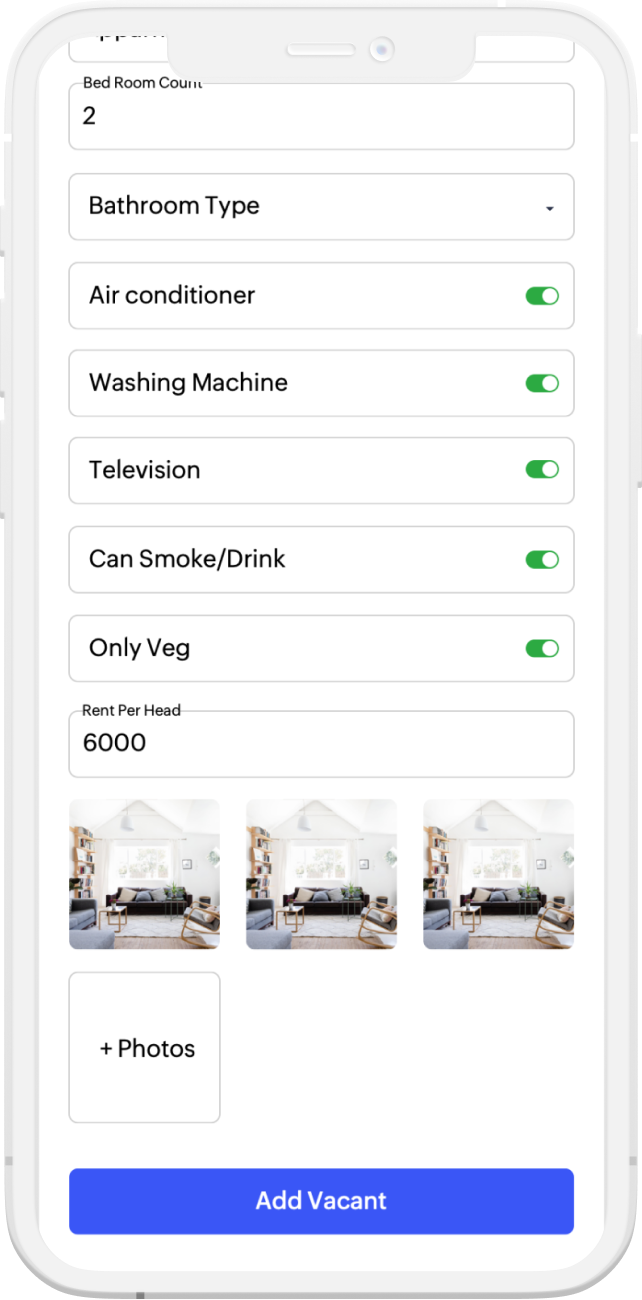
The add room screen will come, when clik on the add room button. Here will be collect all the details related to the room availablity. how many peoples need, rent share, room photos and etc...